Three steps from invite to report.

Start the group, rally your people, approve the hours.

A group gathered around the HourRally ring on a stage, with a QR poster, chat bubbles and clocks

Start a group and invite

Name your troop, club or team and invite members by email or link. They join free.

  • Invites by email or link
  • Roles for several leaders
  • Every member keeps their own record
A leader next to the outline of a new member with a plus sign

Rally and log

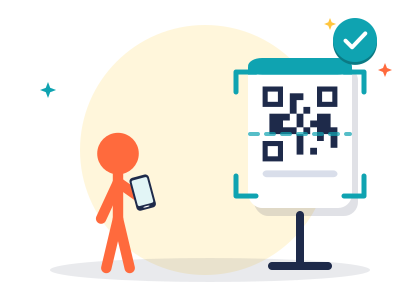
Post the event and members sign up. On the day, print the QR poster: people scan in and out.
  • Events with sign-up lists
  • QR check-in and clock in or out
  • Log once for everyone who took part
A member scanning a QR poster with a phone

Approve and report

Check-ins, attendance and the hours members send wait in one queue. Approve them at once and export the report.

  • One queue, approve in bulk
  • Member hours against your requirement
  • CSV and PDF reports
A leader stamping a stack of approved hour entries

A leader’s week, in four moments.

Most weeks: a post, a poster and one approval.

  1. Monday

    Post Saturday’s service day in #events. Sign-ups come in.

  2. Friday

    Print the QR poster from the event page.

  3. Saturday

    Members scan in at the gate and out when they leave.

  4. Sunday

    Open Approvals and approve the list.

What a member sees.

Their own hours, the group’s events and the chat.

  • Hours toward the requirement, approved and waiting
  • The group’s events, one tap to sign up
  • Team chat and announcements
Maya R. in Troop 214Example

My hours this year

41of 75 hOn track

  • Park cleanup4 hApproved
  • Food drive3 hApproved
  • Library shelving2 hWaiting
River cleanupSaturday, 9 amGoing

Questions leaders ask first.

Do members need an account?
Yes, and it is free. A member keeps their own record of approved hours.
Can members log hours on their own?
Yes, with a note and a photo if they like. A leader approves them in the same queue.
Can someone outside the group confirm hours?
Yes. A member asks a supervisor by email, who confirms with one click. No account needed.
Who can approve hours?
Owners, admins, managers and moderators. The role decides who can invite and approve.
Is there a leaderboard?
No. One goal for the whole group, and nobody is ranked.

Ready to rally your group?

Start your group